It's Monday. Here's what changed in AI this week, and what it means for your design work:
🧪 What I'm Building: Daily videos, a creator team and two very different playbooks
🚨 Big News: Higgsfield, ChatGPT now builds motion graphics inside After Effects
🤖 Prompts Inspiration: Paper, Tape and Ink Posters With the Exact Prompts
⚙️ Tool of the Week: Quiver Arrow 2
🔗 Quick Links: 6 things that caught my eye

WHAT I’M BUILDING
Behind the Scenes
I made a decision this week that I did not expect to make. For the past month I have been posting one video every single day, and this was supposed to be the last week. Instead of stopping, I am going to keep it up for the next few months.
There is a catch. Right now every morning goes into ideating, scripting, and the whole Sunday on recording. If I keep doing it this way the quality will drop, and posting a bad video every day is worse than posting nothing. So my next job is to build a system around it, so each video takes me less time and still looks the way I want.

The rest of the week went into Limora AI. The product is finally something people use every day, including me and a lot of my designer friends, and we now have dozens of active users. So I started building a team of creators to make videos about it. I spent the week on calls with them, planning videos and working out how to pay them on views and affiliate commissions. It will be a big growth channel, and the next step is to hire a head of influencers.
Stage is a different story. It handles the UX research, the moodboard and the style guide for your app or site projects, and it is made for experienced designers & devs. That audience does not come from viral videos, so for Stage I am reaching out to design agencies and studios directly. Two products, two completely different playbooks, and honestly that is the part I enjoy.
BIG NEWS
ChatGPT Now Builds Motion Graphics Inside After Effects
Motion design just lost its hardest part, and it was never the ideas.
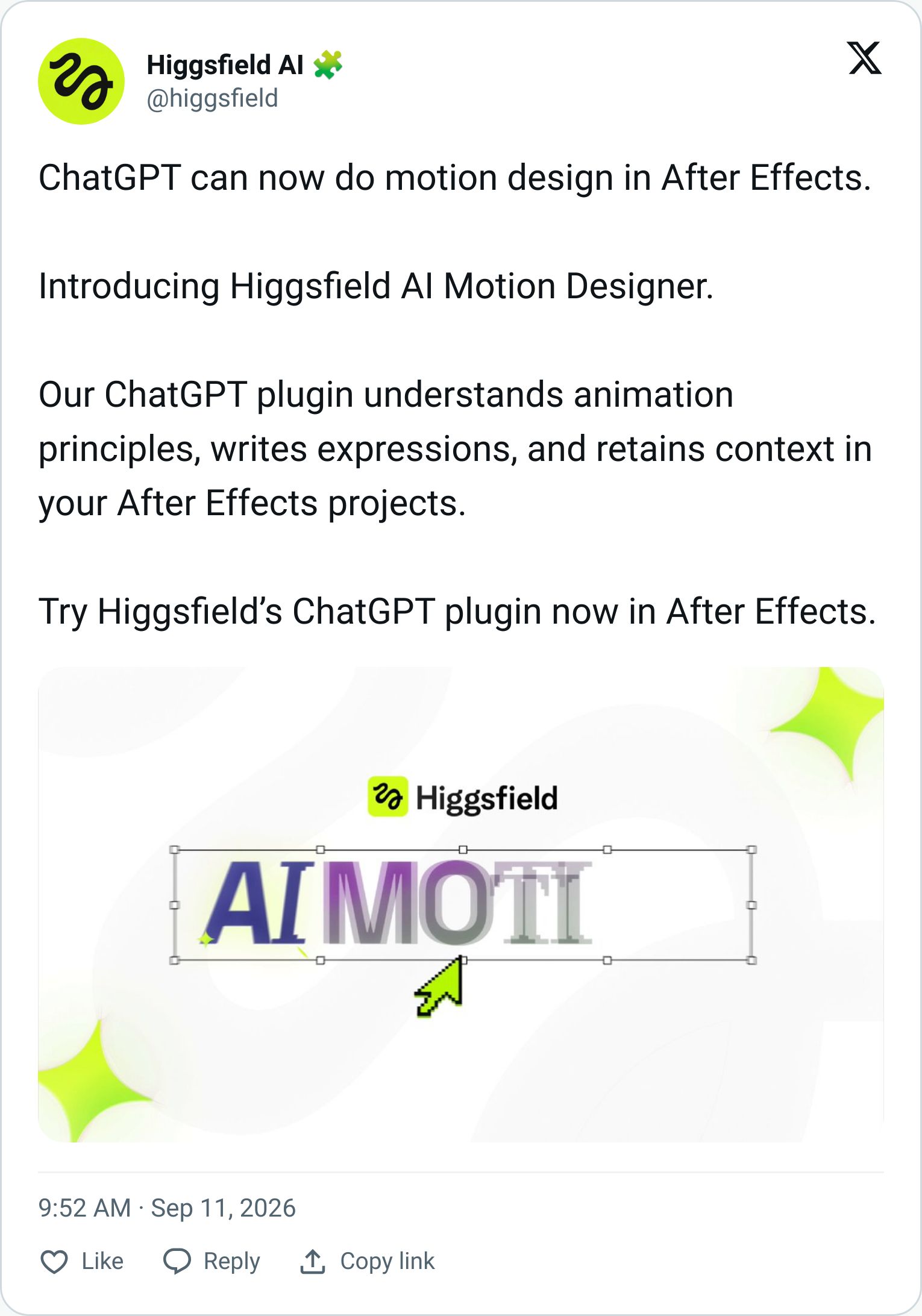
Higgsfield launched AI Motion Designer, an agent that works inside your open After Effects composition. You install the Higgsfield plugin in ChatGPT, type /use-after-effects followed by what you want, and it builds it in the comp you have open. Title animations, logo reveals, transitions, product promos, with pacing based on the footage, text and brand colors you give it.
Here's the part that matters. Every layer it creates is a normal, native After Effects element. Text, colors, timing, keyframes, expressions, all editable the same way as anything you built by hand. This is not a video generator that hands you an MP4 you cannot touch. It is a motion designer sitting in your software. It also runs through Higgsfield's MCP if you prefer Claude or Cursor, and this week it picked up Codex and GPT-6 Astra support.
My Take
For most designers, After Effects is the tool you know you should learn and never do. You can design the logo, you can picture the reveal, and then you open AE and give up after an hour of fighting keyframes. That gap between the idea and the animation is the whole reason motion designers exist as a separate job.
This closes that gap for the simple stuff. Titles, lower thirds, reveals and social transitions are exactly the work that makes up 80% of what clients ask for. The people who benefit most are brand and web designers who can now ship a launch video with the identity instead of outsourcing it. Motion designers do not disappear, but their work shifts toward the 20% that needs real craft, and toward directing the agent rather than dragging keyframes.
The honest caveat is that you need three subscriptions to make this work: Higgsfield credits, ChatGPT, and After Effects itself. That is not cheap. But if you already pay for two of them, the third is a small price for skipping the learning curve.
How to use it
Start with something you already have. Open a comp with your logo and a brand color, then ask for a 5-second logo reveal with a soft scale-in and a color wipe. Look at the layers it built, then tweak the timing yourself so you learn how it thinks. From there, ask for a title sequence for your next case study.

PROMPTS INSPIRATION
Paper, Tape and Ink Posters With the Exact Prompts
Architectural travel-collage poster

Turn this structure photo into a single high-end halftone architectural travel-collage poster. Output one poster per uploaded photo - never merge multiple structures or photos into one frame...Japanese washi tape art

Create one premium 3:4 vertical washi-tape collage artwork for [COUNTRY / LOCATION / SUBJECT]. TEXT-TO-IMAGE GENERATION ONLY. Generate the complete artwork from...Japanese urban scene art

Create a vertical editorial illustration inspired by the reference images, depicting a dense Japanese urban scene in a highly stylized navy-blue and warm ivory monochrome line-art...TOOL OF THE WEEK
Quiver Arrow 2

Every image model gives you a PNG. You ask for a logo, you get pixels, and then you spend an hour tracing it in Illustrator so it actually works at 20px and 2 metres. Quiver built a model that skips that step.
Arrow 2 generates real, editable SVG from a text prompt or a reference image. Fewer control points, cleaner paths, better spacing and alignment than the first version, and every result opens straight in Figma or Illustrator as normal vector layers. It also vectorizes raster artwork and animates existing SVG shapes. The new app puts generation and a canvas editor in one place, so you iterate in the chat and then nudge individual paths by hand. Plans start at $8/month with a 14-day trial, and there is an API if you want it inside your own workflow.
TUTORIAL OF THE WEEK
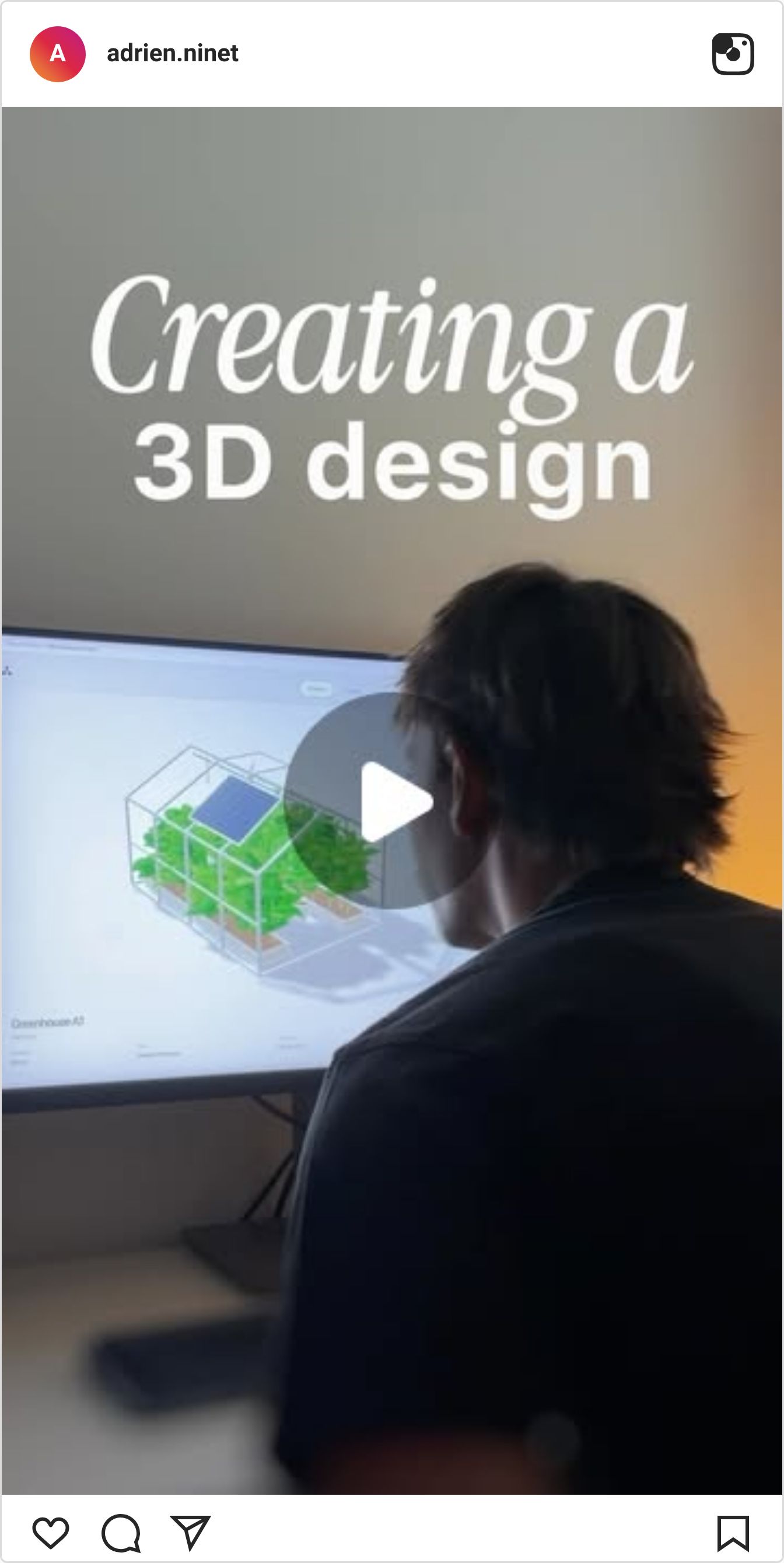
I built this 3D dashboard without writing a single line of the brief myself. The design thinking happens in Stage, the building happens in your AI, and the 3D model comes from Blender. Here is the full workflow in three steps.
Step 1: Do the design thinking in Stage

Step 2: Build the dashboard in Codex
Ask GPT-6 Astra for the dashboard design using the exported research and moodboard as context
Review the first result and adjust the layout, sections and copy until it matches the brief

Step 3: Add the 3D model with Blender
Connect Blender to Codex through the Blender MCP and prompt the 3D model, hard-surface objects like a greenhouse frame work best
Drop the generated model into the dashboard
Add the animation.

QUICK LINKS - This Week's Radar
ElevenLabs MCP - Generate voice, music, sound effects, images and video from inside Claude or ChatGPT without opening another tab.
Google AI Studio design guide - An eight-part guide on making vibe-coded apps look designed, with design variations, annotation and pixel inspection.
Impeccable for PRs - A design review agent that uses your app like a real user and flags friction and slop on every pull request, closed beta for now.
Motion MCP for Codex - Hand Codex your assets and it builds the scenes, animations and transitions of a launch video inside Motion.
Taste Labs Brand API - Turn any URL into a full brand system your agent can follow, then score its output against the original brand.
Videoclaw - Prompt-to-edited video that mixes your footage with generated clips, music and captions, free to try.
💌 Know a designer who should be using AI smarter?
Forward them this email. Or just send them to logiaweb.net to join.
See you next Monday,


