It's Monday. Here's what changed in AI this week, and what it means for your design work:
🧪 What I'm Building: Studio wins, Limora redesign, Stage updates
🚨 Big News: ChatGPT Images 2.0, the image model designers actually needed
🤖 Prompts Inspiration: 3 Creative AI Prompts With the Exact Prompts
⚙️ Tool of the Week: Wispr Flow
🛠️ Tutorial of the Week: How to Remove AI Slop From AI-Built Websites
🔗 Quick Links: 5 things that caught my eye

WHAT I’M BUILDING
Behind the Scenes
This week was a bit quieter on the AI news front compared to the past few weeks. Honestly, a welcome break.
On the Klime Studio side, things are going really well. We're taking on a new branding project this week, which feels great. We've also been in discussions for 2 big website projects - enough work to keep us busy until the end of the month.

The big update: Limora is almost ready to launch with the complete redesign. It's going to look absolutely sick. Right now it's about finalizing the last front-end updates and making sure all the prompts are working properly. Still needs some optimization, but I'm hoping to launch in one to two weeks.
As for Stage, I'm still working through some new features I want to integrate - which will probably push the launch back a bit. More on that in the coming weeks.
BIG NEWS
ChatGPT Images 2.0, The Image Model Designers Actually Needed
OpenAI finally gave us an image model that doesn't butcher text.
ChatGPT Images 2.0 dropped on April 21 and it's a genuine leap forward. The new gpt-image-2 model renders clear, readable text across multiple languages - no more warped letters or invented characters. It supports 2K resolution, aspect ratios from 3:1 to 1:3, and can generate up to 8 coherent images from a single prompt with consistent characters and objects across the batch.

The model also has built-in reasoning. It plans layouts before rendering, searches the web for reference, and double-checks its own output. You can edit images by selecting an area and describing the change, or just tell it what to fix in chat.
My take
Here's the thing - this isn't just an incremental upgrade. For designers, this changes what's possible without leaving ChatGPT. Logo concepts, app icons, social media graphics, presentations with real text - all of these used to require a trip to Photoshop or Figma to fix the text afterward. Not anymore.
How to use it
Open ChatGPT, switch to Images 2.0 (it's the default now), and try generating a set of app icons or a logo concept. Ask it to "research award-winning designs first, then generate options." The reasoning mode makes a real difference.
PROMPTS INSPIRATION
Creative AI Prompts With the Exact Prompts
Commercial advertising posters

PROMPT: " FORMAT:
4:5 vertical premium poster, 8K, bold commercial layout × surreal realism
🧠 CORE IDEA:
“YOUR COFFEE IS A WORLD.”
🎬 LAYOUT (INSPIRED BY SOURCE):
BACKGROUND BLOCK:
Large rounded..."Branding / Ad Illustrations

PROMPT: "High-end advertising illustration of [product/subject], vibrant premium color palette, clean composition, soft studio lighting, modern commercial styl..."Naive folk art

PROMPT: "A naive folk art painting of [subject], surrounded by symbolic plants, stars, and decorative borders. Flat perspective, hand-painted textures, joyful s..."TOOL OF THE WEEK
Wispr Flow
PRDs by voice. Bug reports by voice. Ship faster.

Dictate acceptance criteria and reproductions inside Cursor or Warp. Wispr Flow auto-tags file names, preserves syntax, and gives you paste-ready text in seconds. 4x faster than typing.
TUTORIAL OF THE WEEK
How to Remove AI Slop From AI-Built Websites With Design Arena + Magic UI
AI can build you a website in minutes. But let's be honest - most of them still look like AI built them. Here's how to fix that using Design Arena and Magic UI.
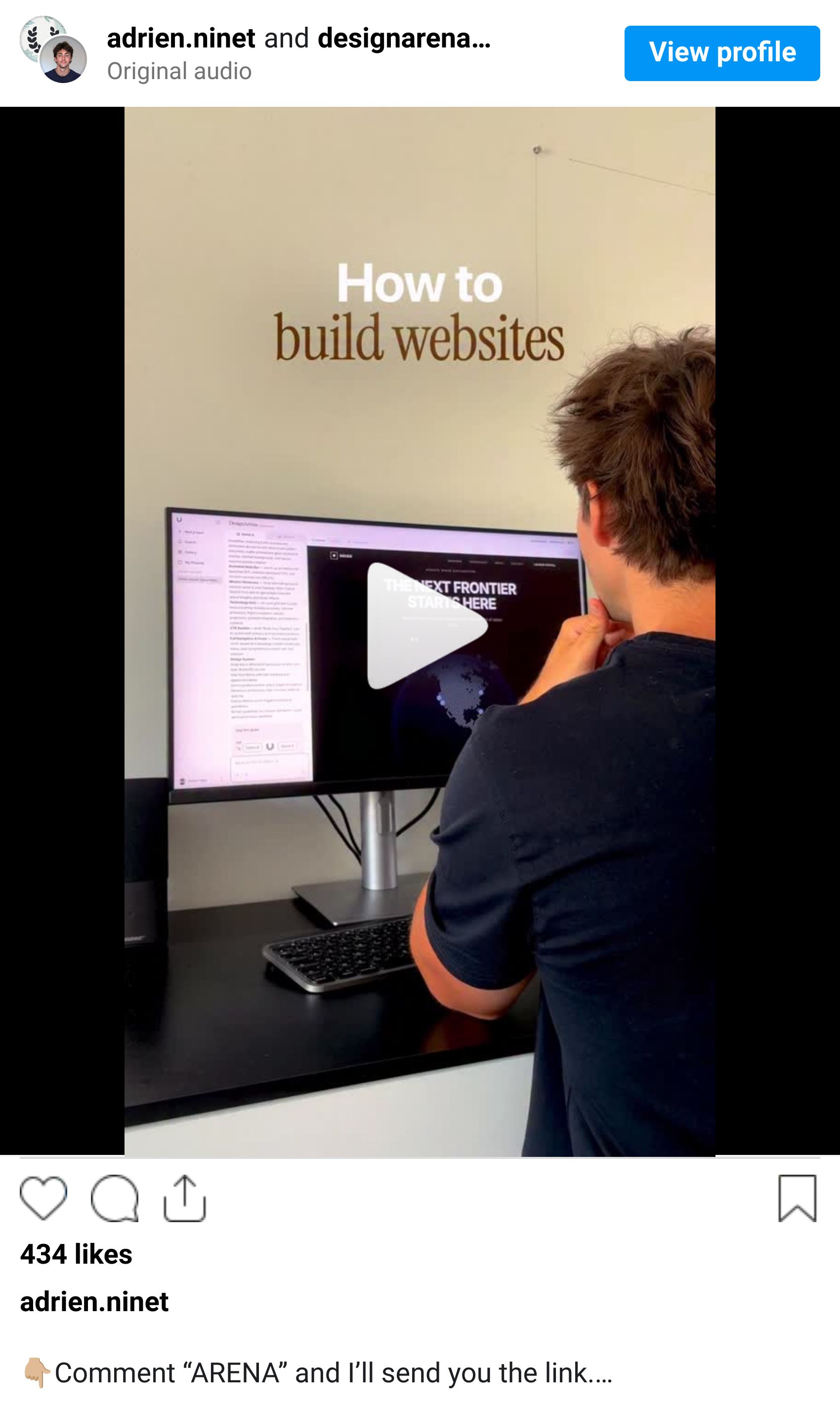
Step 1: Benchmark your AI output
Go to Design Arena and compare how different AI models handle the same design prompt
Use it to find the best starting point for your website concept
Pick the output with the strongest layout and visual hierarchy

Step 2: Replace generic components with Magic UI
Browse Magic UI's component library - 150+ free animated React components
Copy and paste the components that match your design (animated beams, gradient text, aurora effects, blur fades)

Step 3: Ship it
Replace the AI-generated placeholder components with the Magic UI versions
The result: a site that looks hand-crafted, not AI-generated
Done.

QUICK LINKS - This Week's Radar
Vibe Jam 2026 Results - Levelsio's AI game jam closed with 945 games submitted, 242K players, and ~12M views on X. Wild.
Spline Omma - New AI canvas that turns text prompts into interactive 3D motion design. Multiple AI agents work in parallel. $29/mo.
Claude + CAD = 3D From Text - Someone connected Claude Opus 4.7 to Onshape via Adam AI Tools. Real 3D models from a single text prompt.
DALL-E Sunset: May 12 - DALL-E 2 and DALL-E 3 both being retired. Move your workflows to gpt-image-2 now.
DeepSeek V4 Flash - Cheapest frontier model ever at $0.14 per million tokens. 1M context window.
How was this week's newsletter edition?
💌 Know a designer who should be using AI smarter?
Forward them this email. Or just send them to logiaweb.net to join.
See you next Monday,


