It's Monday. Here's what changed in AI this week, and what it means for your design work:
🧪 What I'm Building: A studio pivot + Stage v2 ships this week
🚨 Big News: Figma Config 2026 - the canvas just swallowed motion, code, and AI
🤖 Prompts Inspiration: 3 prompts worth stealing this week
⚙️ Tool of the Week: Framer AI
🛠️ Tutorial of the Week: Redesign a live site with Framer Agent
🔗 Quick Links: 5 things that caught my eye

WHAT I’M BUILDING
Behind the Scenes
Two big things on my end this week.
First, the studio is shifting. We're moving away from helping people launch new brands, and toward existing brands that want to stand out against their competitors through design. The reason is simple: our recent projects pulled us there. We're now working with one of the biggest companies in Europe, and those are the projects we actually love doing. So we're leaning all the way in - new target, new messaging, same obsession with craft.
Second, Stage v2 ships by the end of this week. It's the AI OS app I've been building, and I spent most of this week recording the launch video. This one is more cinematic and more personal than anything I've put out before. I'll share it the moment it's live.

BIG NEWS
Figma Config 2026, the Canvas Just Swallowed Motion, Code, and AI
This is the most aggressive Figma has ever been - and it's not really about AI.
Config 2026, Figma's annual conference, wasn't a feature drop. It was a land grab. Six launches, and the ones that matter for you: Figma Motion brings a real animation timeline onto the canvas - keyframes, easing, and export straight to CSS, React, or MP4. AI Shaders let you describe an effect ("frosted glass", "liquid metal") or drop in a reference, and the agent builds it with WebGPU as sliders you can tweak. Code Layers put real, running code on the canvas next to your designs, synced to GitHub. Weave brings node-based AI image workflows - style transfer, product renders - into the Design panel. And Generative Plugins let you describe a plugin in plain English and have Figma build it.

How to use it
Start with Motion - it's in open beta and free for now. Take one screen you'd normally send to an editor, animate the entry, and export it as a React component or an MP4. The After Effects step just disappears. Grab the betas here.
PROMPTS INSPIRATION
3 Prompts Worth Stealing This Week
Illustration poster

A flat illustration poster in post-impressionist style. White background with generous white space. All text is left-aligned. [LAYOUT — TOP BAR] At tUI Icons

A clean, minimalist icon set displayed as a 2-row by 4-column grid on a warm cream/beige background (#EDE6D2). Eight solid, filled-style tech icons reArchitectural visualization

You are an elite advertising creative director, brand strategist, and prompt engineer specialized in generating premium product-poster prompts. YourTOOL OF THE WEEK
Framer AI

You've seen the videos - someone types a sentence and a full website appears. Most of them look like AI slop. Framer is the one that doesn't.
Framer's AI agents generate complete layouts, sections, and styling from a prompt, directly on a canvas that feels closer to Figma than a CMS. You steer it with / commands for focused actions, @ mentions to reference pages and assets, and you pick the model (Sonnet, Opus, or GPT) per task. It also audits your site for contrast issues, typos, missing alt text, and SEO gaps before you publish. Plans start at $29/mo.
🧠 How I'd use it
Kick off a client landing page from one prompt, then refine type and spacing by hand. Faster than a blank canvas, still yours.
Run the
/audit before handoff to catch contrast, alt text, and SEO gaps. A free QA pass on every site.Let the AI populate the CMS so you design once and fill 20 pages without copy-paste.
TUTORIAL OF THE WEEK
How to Redesign a Live Site With Framer Agent
Framer just shipped Framer Agent, the first AI agent that works directly on a live website. It handles the heavy lifting, you keep control of the craft. Here's the workflow on real client work.
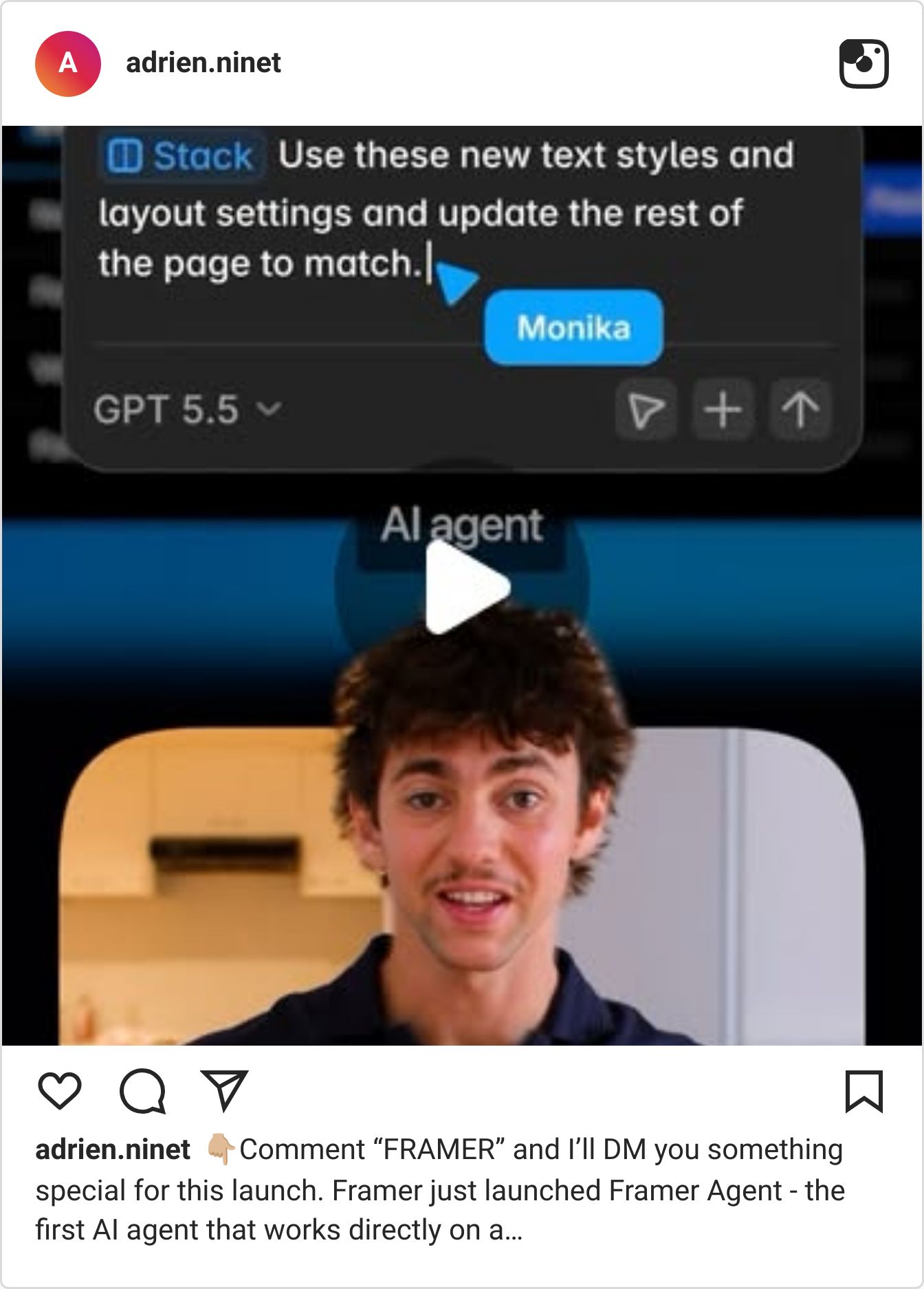
Step 1: Describe the change
Open the Agent on a site you already manage and describe the change you want
It restructures the section live on the canvas, matching your existing design system

Step 2: Review and refine
Don't ship the first output - review it
Tweak the spacing, adjust the hierarchy, refine it to your taste

Step 3: Branch, then publish
Use Branching to try a bolder direction safely and compare versions
Publish only when you're happy - nothing goes live you haven't signed off on

The Agent brings speed and scale. You bring the taste and the final call.
QUICK LINKS - This Week's Radar
Ideogram 4.0 inside Krea - 2K native resolution and best-in-class text rendering, now usable right in Krea's canvas.
Canva AI 2.0 - targets Adobe and Figma with fully editable AI outputs, not flattened images.
Google Pics - Google's new AI design tool, now built into Workspace.
Figma 3D Transforms - z-axis rotation for frames and text with CSS export, in waitlist preview.
Krea 2 open weights - Raw and Turbo released as open weights under a custom enterprise license.
💌 Know a designer who should be using AI smarter?
Forward them this email. Or just send them to logiaweb.net to join.
See you next Monday,


