
It's Monday. Here's what changed in AI this week, and what it means for your design work:
🧪 What I'm Building: Back in Cyprus, building the automation layer
🚨 Big News: Figma, AI Agents Can Now Design on Your Canvas
🤖 Prompts Inspiration: Studio-Quality Images With the Exact Prompts
⚙️ Tool of the Week: Omma by Spline
🛠️ Tutorial of the Week: How to Build a Product With Figma Make + Claude Code
🔗 Quick Links: 4 things that caught my eye

WHAT I’M BUILDING
Behind the Scenes
Back in Cyprus. Ready to lock in for the next month and a half.
I spent the past few weeks mapping out every task I do on a daily basis - and the plan is simple: delegate all of it to Claude Code. I also picked up a Mac Mini that I'm setting up as an always-on automation server. The goal is to get completely out of operations so I can focus on what actually moves the needle - growing the business and creating content.

BIG NEWS
Figma, AI Agents Can Now Design on Your Canvas
This is the biggest Figma update since Auto Layout.
Figma just launched open beta for AI agents that can design directly on your canvas. Through the new MCP server and a "Skills" system, any compatible agent - Claude Code, Cursor, Copilot, Codex, and more - can now create and modify frames, components, variables, and auto layouts. Not through screenshots or plugins. Directly in your Figma file, with full awareness of your design system.

The way it works: you install Figma's MCP server, connect your preferred AI coding tool, and the agent gets a use_figma tool. From there, it can generate designs, modify existing ones, and even screenshot its output to self-correct. Skills are simple markdown files that teach agents how to behave on your canvas - your conventions, your spacing rules, your component usage patterns. Write them once, agents follow them across every project.

Nine community-built Skills shipped on day one. Uber built one for generating screen reader accessibility specs. Edenspiekermann made one that connects designs to system components. Warp built a workflow orchestrator.

My take
Starting this week, AI agents can design directly on the Figma canvas. Not through a plugin. Not through a screenshot. Directly on your file, using your components, your variables, your spacing tokens.
Here's the thing - this isn't about AI replacing designers. It's about speed. The designer who can describe what they want to an agent and refine the output in 20 minutes will outpace the one who builds every frame from scratch in 3 hours. Same quality. A fraction of the time.
The skill gap in design just shifted. It's no longer about how fast you can push pixels. It's about how well you can direct an AI to push them for you. Design systems just became machine-readable in a way that actually changes workflows. An agent can now read your codebase, understand your design system, and build screens using the right components with the correct spacing. The handoff gap between design and development just got a lot smaller.
How to use it
It's free during beta. Set up the Figma MCP server, connect Claude Code or Cursor, and try generating a screen from your existing component library. Start with something simple - a settings page or a dashboard card using your design tokens. You'll know within 10 minutes whether this changes your workflow.
PROMPTS INSPIRATION
Studio-Quality Images With the Exact Prompts
Tool Used: Midjourney

PROMPT: A luxurious modern dining room interior for a high-fashion editorial, oversized white marble dining table centered adorned with tall vases of blooming pink cherry blossoms, low wooden coffee table nearby, bathed in soft natural daylight from large floor-to-ceiling windows framing lush green tropical greenery outside, transparent glass wall overlooking an adjacent living area with textured stone accent walls and minimalist fireplace, sleek open kitchen to the side filled with premium stainless steel appliances, organic sophisticated design combining natural wood elements, stone, and nature-inspired decor, elegant serene atmosphere, commercial advertising photography, shot on Hasselblad X2D 100C 80mm lens, soft diffused lighting, high resolution, cinematic color grading, timeless luxury aesthetic --ar 64:63 --style raw --v 7Tool Used: Midjourney

PROMPT: a black and white photo of a woman with shadow., in the style of minimalist beauty, light bronze and bronze, serene faces, sharp edges, karencore, high definition, contrast shading, realism --ar 3:5 --stylize 750 --v 6.0 --style rawTool Used: Midjourney

PROMPT: A woman holding a JBL GO 2 small speaker in her hand, with an elegant posture, sky, commercial advertising photography, simple solid color background, and realism --s 250 --v 7TOOL OF THE WEEK
Omma by Spline

If you've wanted to add 3D to your web projects but couldn't justify the time investment, Omma just removed the excuse.
Omma is Spline's new AI creative studio that builds interactive 3D websites, apps, and WebGPU experiences from text prompts. Describe what you want, and multiple AI agents work in parallel - one handles code generation, another creates 3D meshes, another generates images. The result is a fully deployable project, not just a prototype.
It supports data pipelines too. Feed it CSV, JSON, or 3D files (GLB, OBJ, GLTF) and it builds live, data-driven experiences. Deploy to production with a custom domain directly from the platform.
🧠 How I'd use it
Client presentations - Generate a 3D interactive version of a website concept in minutes instead of building a static mockup. The wow factor alone closes deals.
Portfolio pieces - Build immersive case study pages with 3D elements that make your work stand out. No Three.js knowledge needed.
Rapid prototyping - Test whether a 3D interaction concept works before investing hours in custom code. Generate it, try it, iterate or throw it away.
Pricing starts at $29/month.
TUTORIAL OF THE WEEK
How to Build a Product With Figma Make + Claude Code
If you've ever spent hours going back and forth between design tools and code, this workflow cuts that down to minutes.
Here's how to go from concept to deployable prototype in three steps.
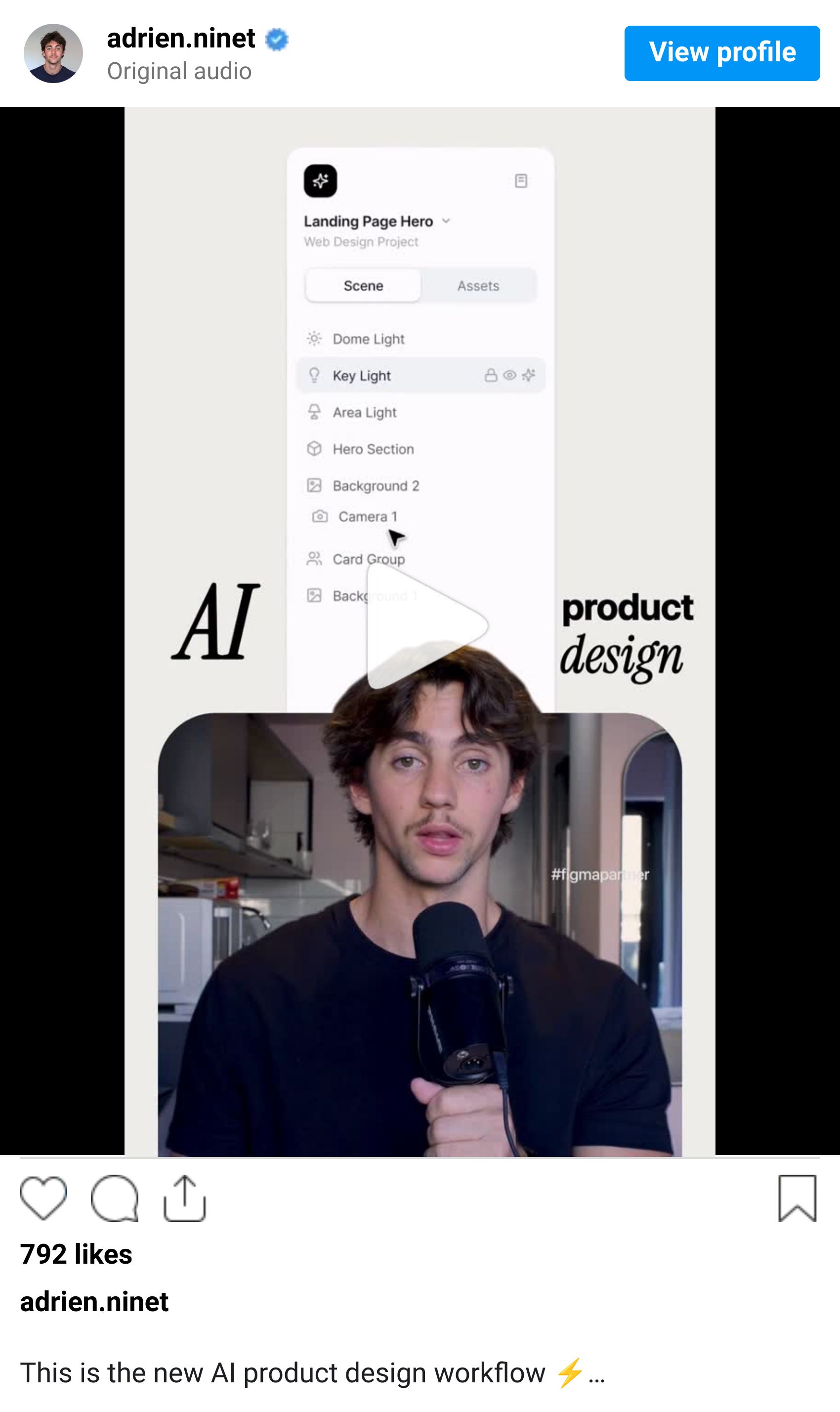
Step 1: Generate concepts
Open Figma Make and describe the app you want to build. Be specific about the purpose and style.
Then add a visual reference to guide the direction. This is what separates generic AI output from something that actually looks premium. Run the same prompt with different inspiration images to get multiple concepts you can compare.

Pro Tip: The quality of your reference image determines 80% of the output quality. Spend an extra minute finding the right one.
Step 2: Refine the design
Copy and paste the best concept into Figma. This is where you do what AI can't - take time to refine the typography, clean up the layout, and balance the colors.
This is the step where you remove the AI slop. Adjust the spacing, swap generic fonts for intentional ones, fix the hierarchy. The AI gets you 70% there. The last 30% is what makes it look like a designer actually touched it.

Step 3: Prototype and deploy
Paste the refined design back into Figma Make and ask it to update the screen based on your refinements.
The best part? Figma Make generates a working prototype. Not just a mockup - real code. You can export it or publish it directly as a live site.

That's it. Concept to deployed site in three steps. The AI handles the heavy lifting, you handle the design decisions that actually matter.
QUICK LINKS
This Week's Radar
Claude Computer Use + Dispatch - Assign tasks to Claude from your phone. It completes them on your Mac while you're away.
Midjourney V8 Alpha - Now in closed alpha with improved prompt adherence and photorealism.
Flowstep - Chat-to-UI design assistant. Describe what you want, get full UX flows. Copy into Figma with Cmd+C. Free plan.
Pomelli by Google Labs - Free AI marketing tool that generates on-brand social posts and ads from your website URL. Just expanded to 170+ countries.
Before you go we’d love to know what you thought of today's newsletter to help us improve The Logiaweb experience for you.
How was this week's newsletter edition?
💌 Know a designer who should be using AI smarter?
Forward them this email. Or just send them to logiaweb.net to join.
See you next Monday,


