It's Monday.
Here's what changed in AI this week, and what it means for your design work:
🧪 What I'm Building: MVP Stage Release
🚨 Big News: Google Stitch, An AI Design Agent That Builds What You Describe
🤖 Design Inspiration: Library of Landing Pages Via Framer
🛠️ Tutorial of the Week: Launch Your First Product Online in 5 Minutes with RunnerAI
💡 Prompt of the Week: Next-Gen E-Commerce Landing Page
⚙️ AI Tool of the Week: Clone Any Website in Seconds — Then Make It Yours

WHAT I’M BUILDING
Behind the Scenes
This week, I’m back in France for a few days taking time to see family and friends and slow things down a bit.
Even though I’m technically “off,” I can’t help but keep exploring Claude Code. The possibilities feel endless. I’m now using it to improve my scripts, automate workflows, and handle a lot of small tasks that used to take way more time. The productivity boost is honestly insane.
I’m curious how are you using it? Just reply to this email, I read everything.
On another note, I’ve also released the MVP of Stage. If you’re currently managing projects with Notion templates and want something built specifically for designers, you can check it out here.
Taking it slower this week but still building.

BIG NEWS
Google Stitch, An AI Design Agent That Builds What You Describe
Google Labs launched a major update to Stitch, its generative AI design tool the company has evolved into what's essentially an AI powered Figma competitor.
It's software that takes a text prompt, a URL, or a voice command and autonomously generates full website and app designs, complete with design systems, prototypes, and exportable code.
It can extract brand identities from existing websites, generate multipage layouts, build interactive prototypes, and export directly to AI Studio for full stack development.

What caught my attention
The architecture uses an agentic design system, routing creative tasks through Gemini models including 3.0 Flash and Pro, plus Nano Banana 2 for image generation.
Instead of locking you into a single design workflow, Stitch picks the right model for each layer of the project, from color extraction to placeholder imagery to layout generation.
It supports direct export to AI Studio, Figma, and React, with a new Design MD file that functions like an agents.md for design, a portable brand system you can carry into any coding environment.
You can describe a full website, paste in a reference URL, and walk away. The system extracts the design language, generates screens, and wires up a clickable prototype.
Google also introduced live voice design using Gemini Live's bidirectional model, letting you redesign screens in real time just by talking to the interface.
It's controllable from the canvas with text, voice, or direct theme editing.

Why it matters
The design system extraction alone changes the workflow.
Paste in any URL and Stitch pulls the color palette, typography, icon styles, and button treatments, then generates a full Design MD file you can apply across unlimited future projects.
The instant prototype feature wires up page to page navigation automatically, letting you test user flows before writing a single line of code.
The AI Studio export pipeline means you can go from a rough idea to a Next.js app with authentication, a database, and dynamic data without leaving Google's ecosystem.
Every design variation is editable, and you can generate multiple options per screen to compare directions side by side.

The real win
For agency owners and creative professionals, the URL to design system pipeline and multi model approach mean you can offload entire brand extraction and prototyping workflows.
You can brief Stitch with a client's existing site, have it generate a full redesign with multiple variations, export a product requirements document, and push the final design to AI Studio for development, all from one prompt.
Stitch is available now through Google Labs at no cost, with free access to both the app and the tokens powering it.
There's no paid tier, no credit limits, and no waitlist.
DESIGN INSPIRATION
Library of Landing Pages Via Framer
Tool Used: Framer

This is a landing page for Cryptix, a crypto asset management platform that emphasizes seamless transactions, optimized fees, and a premium user experience, backed by a 4.9 Google rating for social proof. The design uses a bold green to black gradient with a dark mode dashboard preview showing portfolio balance, performance charts, and a quick swap feature giving visitors an immediate feel for the product before signing up.
Tool Used: Framer

This is a landing page for Anvil, a developer documentation agency that designs and delivers dev first docs covering everything from API docs and CMS setup to visual design systems and interactive demos. The design is clean and minimal with a grid pattern hero section, a strong headline ("Docs built for devs"), and a services breakdown that positions them at the intersection of UX and developer experience.
Tool Used: Framer

This is a landing page for Stayscape, a short term rental or boutique accommodation on 5th Ave in New York City, using a split layout with clean typography on the left and a vibrant interior photo on the right to immediately sell the vibe of the space. The bottom bar stacks social proof "Guest favorite" badge, 100% reply rate, 4.98 stars, and 137 reviews alongside a "Reserve Now" CTA, making it feel like an elevated Airbnb style listing page.
TUTORIAL OF THE WEEK
Launch Your First Product Online in 5 Minutes with RunnerAI
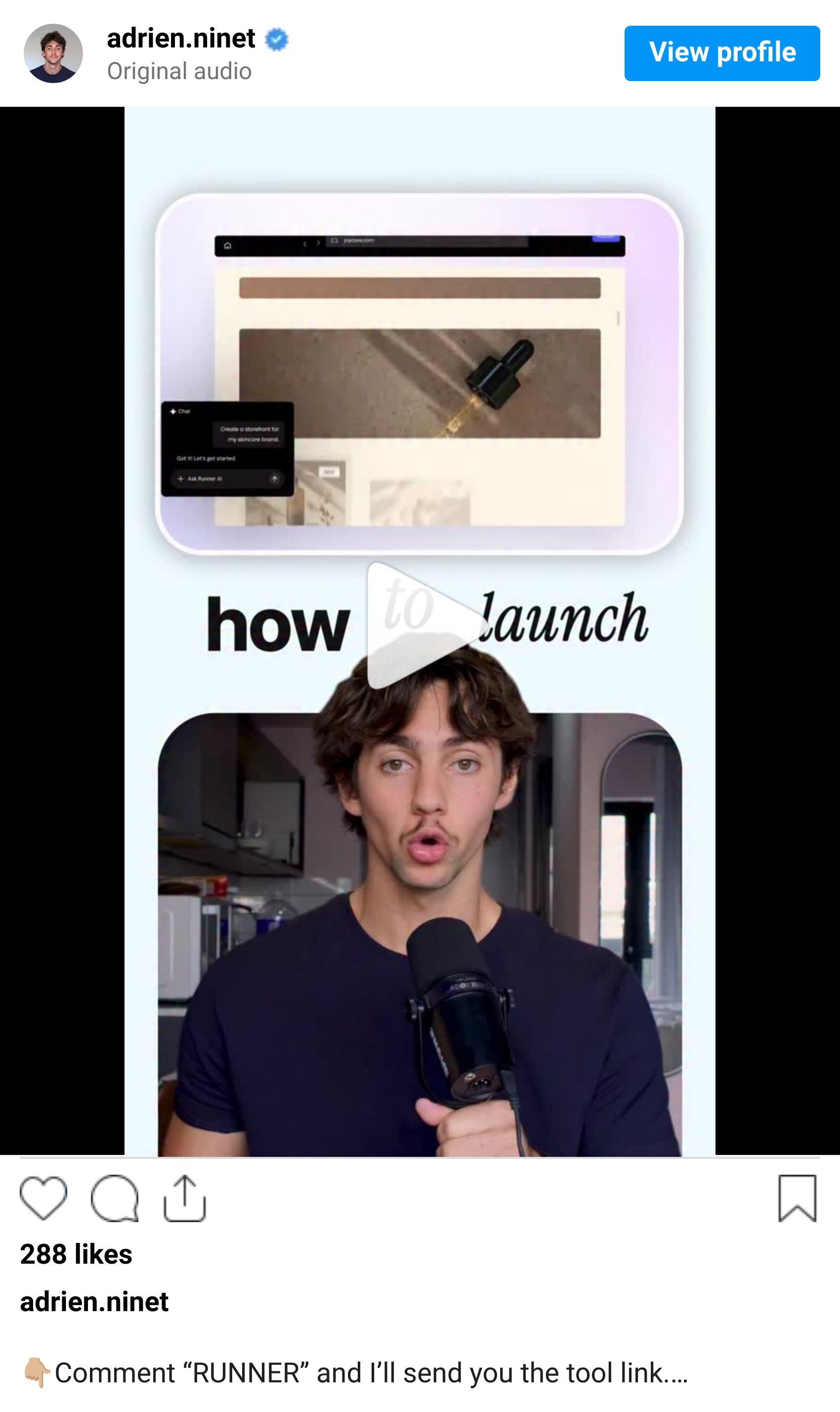
Selling a product online used to mean picking a platform, designing a store, setting up payments, writing product descriptions, and spending days getting everything right. RunnerAI compresses that entire process into a single conversation.
Step 1: Describe Your Product
Go to RunnerAI and create an account
Describe your product idea in plain language
The AI builds a complete ecommerce store for you with checkout already integrated
No templates to pick, no themes to configure. Just describe what you sell

Step 2: Customize Your Store
Once the AI generates your store, open the visual editor
Edit text, colors, layout, and images directly on the page
Generate new product images in a few clicks using the built in AI tools
Ask the AI to add custom features like size charts, FAQs, or testimonials

Step 3: Review and Publish
Preview your store on desktop and mobile
Make any final adjustments to product descriptions or pricing
Click publish when everything looks right
Your store is live with a working checkout flow

Step 4: Let the AI Optimize
After your site goes live, RunnerAI automatically analyzes your site data
It looks for ways to improve conversions by testing content, layouts, checkout flows, and promotions
Monitor all your store metrics in real time from the dashboard
The AI keeps iterating so your store gets better without you touching it

Step 5: Scale From There
Add new products by describing them to the AI
Connect your own domain for a professional look
Use the analytics dashboard to understand what is working
Let RunnerAI handle the optimization loop while you focus on your product

This is what "no code" should actually feel like. Not dragging blocks around for hours, but describing what you want and getting a working store. Try RunnerAI and see how fast you can go from idea to live product.
PROMPT OF THE WEEK

PROMPT: A sleek, ultra minimalist fashion ecommerce landing page designed in a high contrast black and white aesthetic, featuring a futuristic 3D-rendered mannequin wearing premium tactical streetwear. The central figure is highly detailed with realistic fabric textures, matte and glossy material contrast, and subtle lighting that enhances depth and form. The layout is clean and spacious with soft shadows, rounded containers, and modern typography, creating a luxury techwear feel. Include floating 3D product elements such as boots and gloves displayed on geometric pedestals, rendered with studio-quality lighting. The UI should feel refined and minimal, with simple navigation, pill-shaped buttons, and balanced negative space. Overall mood should be cinematic, realistic, and editorial—like a high-end fashion brand meets futuristic product design.TOOL OF THE WEEK
You find a website with a layout you love. Instead of screenshotting it, opening Figma, and spending an hour rebuilding it pixel by pixel, you paste the URL into Readdy AI and get a fully editable version in seconds. That is the pitch and it actually delivers.
Readdy is an AI website builder that works in three ways: describe what you want in plain English, paste a URL to clone a design, or upload a screenshot. It generates a complete responsive site with layout, copy, images, and front end code. The URL cloning feature is the standout. It analyzes fonts, colors, spacing, and structure, then recreates a similar design you can customize. It is not a pixel perfect copy. It is a starting point that saves you hours of layout work.

🧠 How I'd use it
Client pitches: Clone a competitor's site, swap in the client's branding, and present a working prototype in the first meeting instead of static mockups
Design research: Find 5 sites you like, clone them all in Readdy, then mix and match sections to build something original
Quick landing pages: Need a launch page by tomorrow? Paste a reference URL, customize the copy and colors, publish directly on Readdy's hosting with SSL and a custom domain
Before you go we’d love to know what you thought of today's newsletter to help us improve The Logiaweb experience for you.
How was this week's newsletter edition?
💌 Know a designer who should be using AI smarter?
Forward them this email. Or just send them to logiaweb.net to join.
See you next Monday,
— Adrien


Adrien Ninet
