It's Monday. Here's what changed in AI this week, and what it means for your design work:
🚨 Big News: Figma just put an AI agent inside the canvas
🤖 Prompts Inspiration: 3 prompts that change how you design with AI
⚙️ Tool of the Week: Antigravity 2.0
🛠️ Tutorial of the Week: Claude Design use cases every designer needs to know
🔗 Quick Links: 6 things that caught my eye

WHAT I’M BUILDING
Behind the Scenes
Ran my first Hyrox in duo last Thursday. The hardest part wasn't the running or the workouts. It was the five minutes before the start.

All the runners packed into a closed dark room. Bass loud, lights low, everyone hyped to the max. I've never felt an energy like that. Pure adrenaline.
And that's the trap. The hype tells you to fly out the gate. If you do, you're cooked by kilometer two. So I held back, ran my own pace, and crossed the line still alive. The kind of rough that pays back tenfold.
Back at the desk this week: head-down on Limora, collecting feedback from the first users and fixing bugs. Not glamorous, but this is the part that decides whether a product makes it.
And tomorrow, something big drops. I'll announce it the second it's live.
BIG NEWS
Figma Just Put an AI Agent Inside the Canvas
Figma waited until they had a knife at their throat to ship this. Probably the right move - the canvas is the moat.
On May 20, Figma shipped its native AI Design Agent in open beta. It lives on the canvas and left rail, reads your design system, and edits layers like a teammate. Free during beta on Pro, Org, and Enterprise seats.

My take
Every prompt-to-UI tool (Stitch, Claude Design, Lovart) bet that the canvas isn't where design happens anymore. Figma's reply: the canvas is still where the design system lives. No toggle tax. That's the pitch. And it lands.
How to use it
Start with the boring tasks - rename layers, populate frames, swap component states, apply tokens. Those are 80% of design work and now seconds long.
PROMPTS INSPIRATION
3 Prompts That Change How You Design With AI
Sports Photography

Sports photography → visual deconstruction → JSON → scene swap. Four images, same visual DNA. The project changes, the DNA stays...Stylized travel poster

Create a stylized travel poster for [GERMANY]. The main subject should be a stylish international tourist visiting [GERMANY], clearly presented as a traveler...Cinematic Surreal Product Worldbuilding

Cinematic surreal product worldbuilding (chewing gum edition) with GPT image 2 on Hailuo AI. Full prompt template in the post comments...TOOL OF THE WEEK
Antigravity 2.0

The most-watched I/O 2026 demo was a guy on stage telling a fleet of AI agents to build a working OS core, live, in under 30 minutes. Token cost: under $1,000. Then he booted a Doom clone on top of it.
Antigravity 2.0 is Google's agentic coding platform reboot. It centers the agent, not the editor. You describe what you want, parallel subagents execute, the desktop app is your control surface.
🧠 How I'd use it
Vibe-code a full product. Feed it your Figma export, point it at your repo, run frontend/backend/deploy in parallel.
Background design ops. Schedule a subagent to generate marketing pages from a Notion template every Monday.
Stress-test ideas. Spin up 4 product variants as real prototypes and pick the one that feels right.
TUTORIAL OF THE WEEK
3 Claude Design Use Cases Every Designer Needs to Know
Claude Design is the most underrated design tool that shipped this year. Most designers tried it once and bounced. Here are the 3 use cases that actually change how you work.
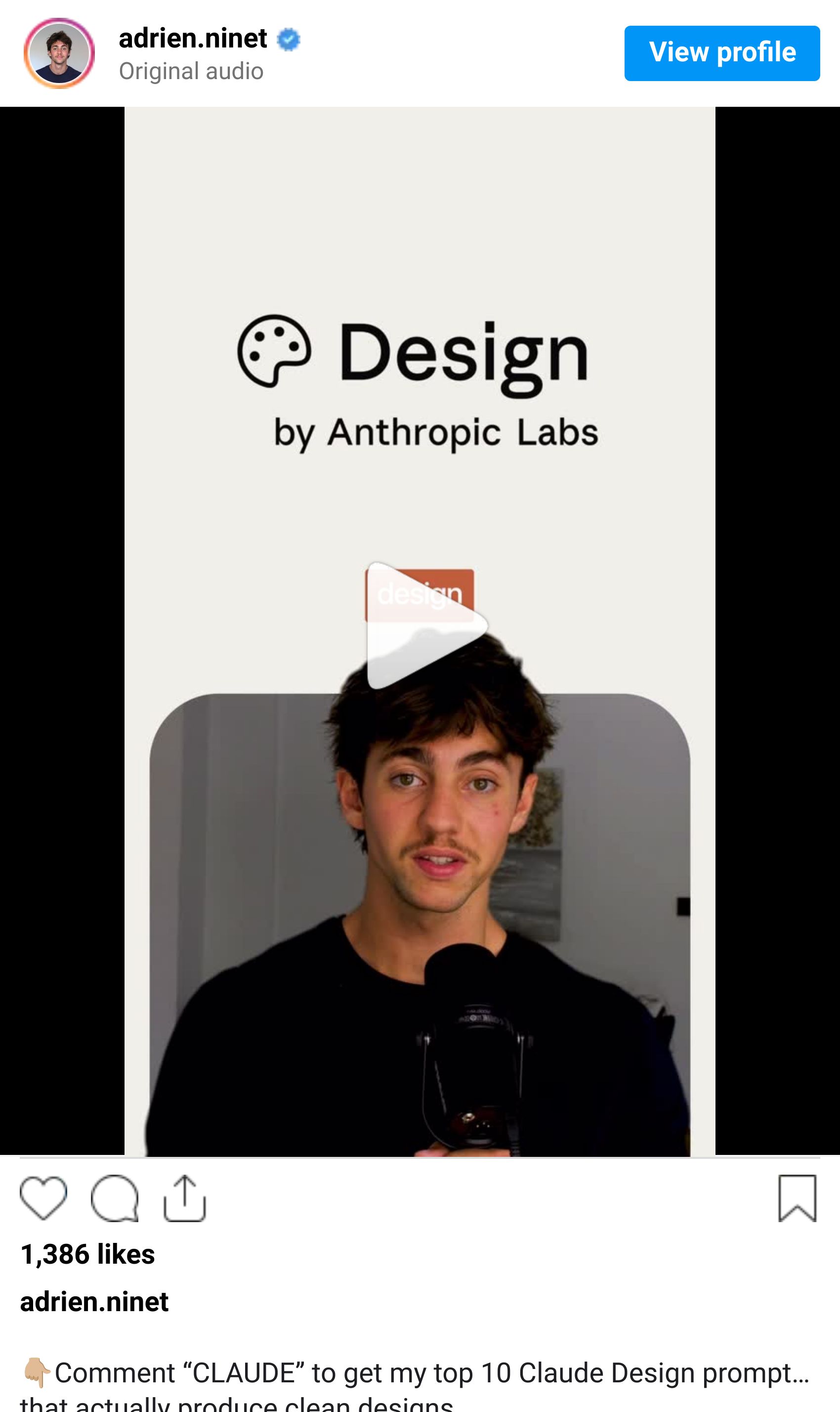
Use case 1: Turn any reference into a design system
Drop a Figma file, a screenshot, or even a Pinterest board into Claude Design
Ask it to extract the type scale, color tokens, and spacing system
Get a structured design system in seconds, ready to apply across your file

Use case 2: Generate full page concepts from one screen
Paste one finished screen as a reference
Describe the additional pages you want (pricing, about, dashboard)
Claude Design extends your style across the whole product without losing consistency

Use case 3: Iterate on copy and layout in the same prompt
Select any block in your design
Describe the new variation you want - tone, length, layout, or all three
Claude rewrites the content AND adjusts the layout to match. Done.

QUICK LINKS - This Week's Radar
Google Pics - AI design app powered by Nano Banana 2. Click any element + comment to edit. Rolling out this summer to AI Pro and Ultra subscribers.
Stitch on Gemini 3 - Google's UI mockup tool got smarter, still free, still no subscription. Worth a fresh look if you bounced on V1.
Gemini Omni Flash - Now live in the Gemini app, Flow, and YouTube Shorts Remix. Free for users 18+ on Remix.
Gemini Spark - Google's new ambient AI for Workspace and the Intelligent Eyewear glasses announced at I/O.
Figma Design Grid GA - Reorder columns, auto-fit rows, auto-position items. The small Figma update designers actually wanted.
Gemini 3.5 Lineup - New flagship + Flash model that co-built Antigravity 2.0. Available now in the Gemini API.
How was this week's newsletter edition?
💌 Know a designer who should be using AI smarter?
Forward them this email. Or just send them to logiaweb.net to join.
See you next Monday,


