It's Monday. Here's what changed in AI this week, and what it means for your design work:
🧪 What I'm Building: Stage finally has a workflow, and a new landing page
🚨 Big News: ChatGPT Images 2.5, sketch the layout and mark up the edits
🤖 Prompts Inspiration: Posters, Watercolors and 3D Characters With the Exact Prompts
⚙️ Tool of the Week: EndFrame
🛠️ Tutorial of the Week: Tap your desk to open any Mac app with Holo
🔗 Quick Links: 5 things that caught my eye

WHAT I’M BUILDING
Behind the Scenes
There was a moment this week where I looked at a set of screens Stage had designed and thought, that is it, that is the thing we have been trying to build for months. Not because the wireframes were better than last month. Because for the first time everything behind them was in the right place.
The problem was always packaging. Stage does research, strategy and process before it designs anything, and we never had a clean way to carry all of that into the wireframes. We tried a lot of things. What finally worked was exporting the full body of work into a dedicated workspace and designing from there. Paired with GPT-6 or Fable 5.1,the results have been incredible.

The setting changed too. I moved from Larnaca to Paphos this week, the west coast, where the nature is on another level. Saturday was a quad tour through the hills and a few swims. The rest of the week was the same routine as always, just with a better view.
The new Stage landing page is up and it explains the product properly. I am also doing demo calls, so if you are curious, book a call here.
BIG NEWS
ChatGPT Images 2.5, Sketch the Layout and Mark Up the Edits
For the first time, I do not see a reason to open a different image model for asset generations.
OpenAI shipped ChatGPT Images 2.5 on Monday, and the two features that matter are about how you direct the model, not how pretty the output is. Sketch lets you type @Sketch, draw a rough layout inside ChatGPT with a mouse, stylus or finger, add a short brief, and the model uses your drawing as the composition reference. Comments let you drop a note on one area of the image and change only that, and earlier edits now survive later ones.

It is also up to 50% faster, holds the likeness of people, products and pets across edits, and adds Templates for flyers, posters and product photos. In the API there are two models: GPT-Image-2.5 Flare, the fast default, and GPT-Image-2.5 Sunburst, the slower premium one built for tight control across repeated edits. Both cost exactly twice GPT-Image-2.
My Take
Here's the thing. Flare and Sunburst are not two options, they are one workflow. Flare is cheap and fast, so you use it to iterate: ten layouts, five color directions, three crops, without thinking about the bill. Sunburst is slow and precise, so you use it once, on the direction that won, and it holds the details through every revision. That pairing is why it almost makes no sense to reach for other general models anymore.
We plugged both into Limora AI the day they shipped, and the experience is a clear step up. Faster first drafts, and finals that do not drift when you ask for one more change.
That said, some models still own their lane. Krea is still where I go for creative exploration when I want to be surprised. Recraft 4.1 is still the pick when consistency across a whole set of assets matters more than anything else. Images 2.5 does not replace those. It replaces everything in between.
PROMPTS INSPIRATION
Posters, Watercolors and 3D Characters With the Exact Prompts
Japanese-inspired watercolor illustration

A delicate hand-painted watercolor art print on warm ivory textured paper, inspired by traditional Japanese art, depicting a Starbucks with Mt. Fuji...Soft clay 3D character

A clean 3D character with wired earphones, soft clay-like shading and a neutral studio background, straight out of Limora's unleashed mode. This is the kind of asset you drop into a landing page hero or an app empty state without any cleanup..Vivid event poster

Use the uploaded image as the exact composition and subject reference. Transform the original nighttime photograph into a delicate hand-painted waterc...TOOL OF THE WEEK
EndFrame

Every launch needs a video, and every video takes a day you do not have. You have the screenshots, the clips and the copy, and somehow it still ends up as a weekend in a timeline you barely know.
EndFrame is a Mac app where Claude, ChatGPT or Grok edit the video for you on a real timeline. You describe the launch video, demo or social clip, drop in your images, clips and audio, and the agent writes the scenes, renders the frames, then checks its own work against a 33-rule quality gate for things like margins and text contrast before you ever see it. You can scrub, trim, go back to any version and export in 1080p or 4K. It runs on your existing Claude or ChatGPT subscription, no API keys, and it is free during early access. macOS 15 and Apple silicon required.
How I'd use it
Product launch clips. Drop in five screenshots and the launch copy, ask for a 20 second vertical, and get a first cut in minutes instead of building it by hand in After Effects.
Tutorial recaps. Feed it the screen recording from a Reel and let it cut a clean square version for the newsletter or LinkedIn without re-editing anything.
Client demo videos. Turn a Figma prototype walkthrough into a narrated demo with titles, using the ElevenLabs and Canva connectors so voice and graphics stay in one place.
TUTORIAL OF THE WEEK
How to Open Any App by Tapping Your Desk With Holo
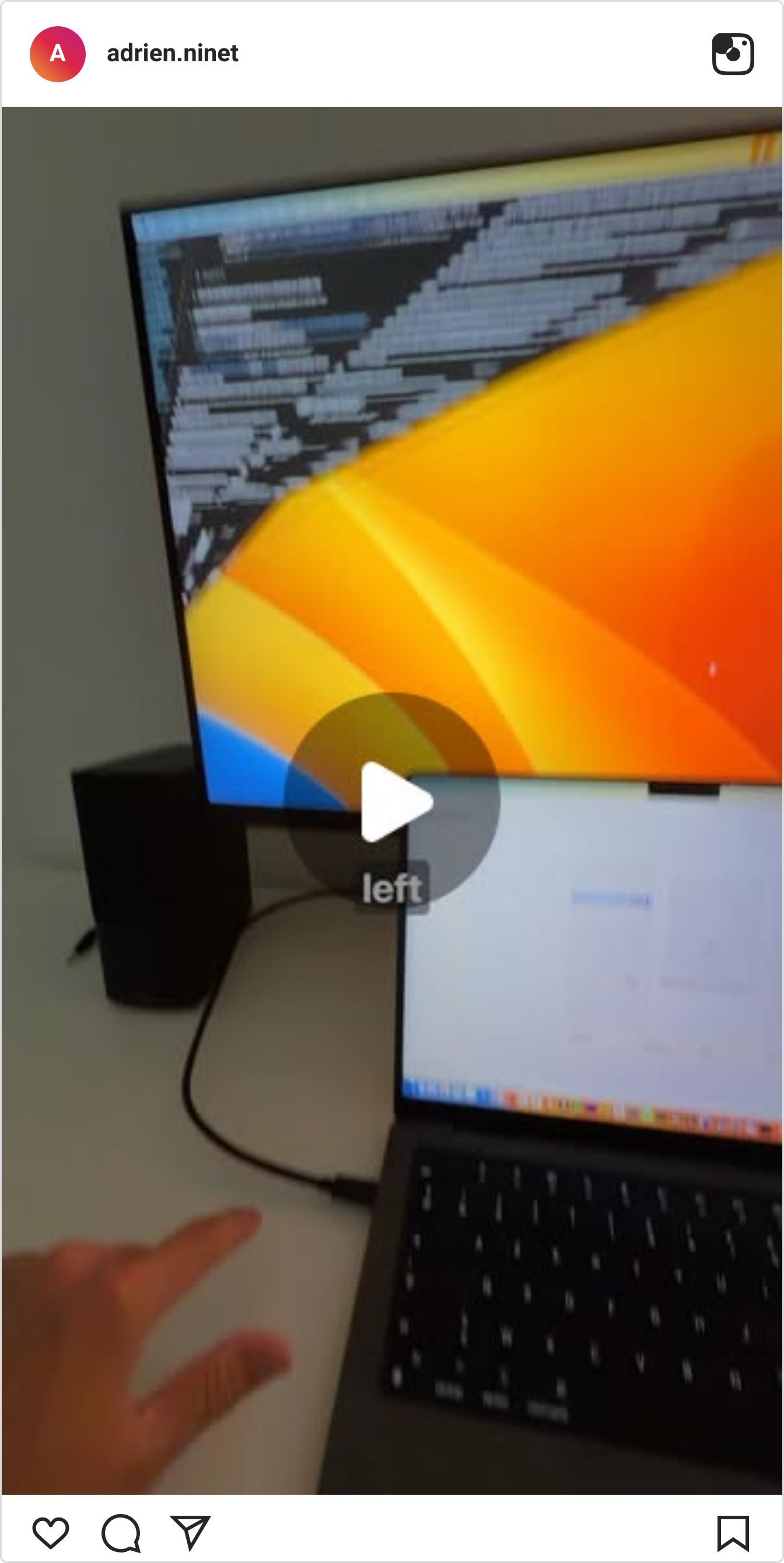
I tap my desk and Claude Code opens. Holo is a free, open-source Mac app that listens to your desk through the built-in mic and maps taps to actions. Here's the five minute setup.
Step 1: Install the app
Open the Holo GitHub repo and download the latest release (Holo.dmg)
Open the .dmg and drag Holo into Applications
Launch it and allow it through Gatekeeper if macOS asks

Step 2: Pick the sensor and calibrate your zones
In settings, choose the sensor that listens through the mic
Holo splits your desk into four zones: left rear, left front, right rear, right front
Tap each zone a few times when prompted so it learns the sound of your desk

Step 3: Assign an app to each zone
Map the apps you open every day to a zone each
Mine: one tap on the right opens email, one tap on the left launches Claude Code
Tap the desk and watch it open. Done.

QUICK LINKS - This Week's Radar
MultiMatte - Background removal you aim with words: type "the bowl" and it keeps the bowl, cuts everything else, open weights and free to try.
Kombai - An AI design engineer with a taste agent that reuses your design system and tokens before it writes a line of code.
Codex now imports your Claude Code setup - One click in Codex settings moves your skills, plugins and instructions over.
GIFRun - Pull a GIF or WebP from any YouTube or Vimeo link in seconds, free tier included.
💌 Know a designer who should be using AI smarter?
Forward them this email. Or just send them to logiaweb.net to join.
See you next Monday,


